
Unofficial native port · Windows and Linux

SpartanPort

An unofficial native PC port of a PS4 action classic. You bring your copy, we provide the executable and the launcher.

Runs the game from a dump of your own copy, straight on the CPU with no emulation. 120 FPS by default, up to 240.

Unofficial fan project. Contains no game files. You need your own copy.

v2.6.075.3 MiBOct 19, 20266,301 downloads
Port overlayRTX 3060 · 1080p
120FPS · 8.3 ms
Tartarus · 82 s85% of the time at 120

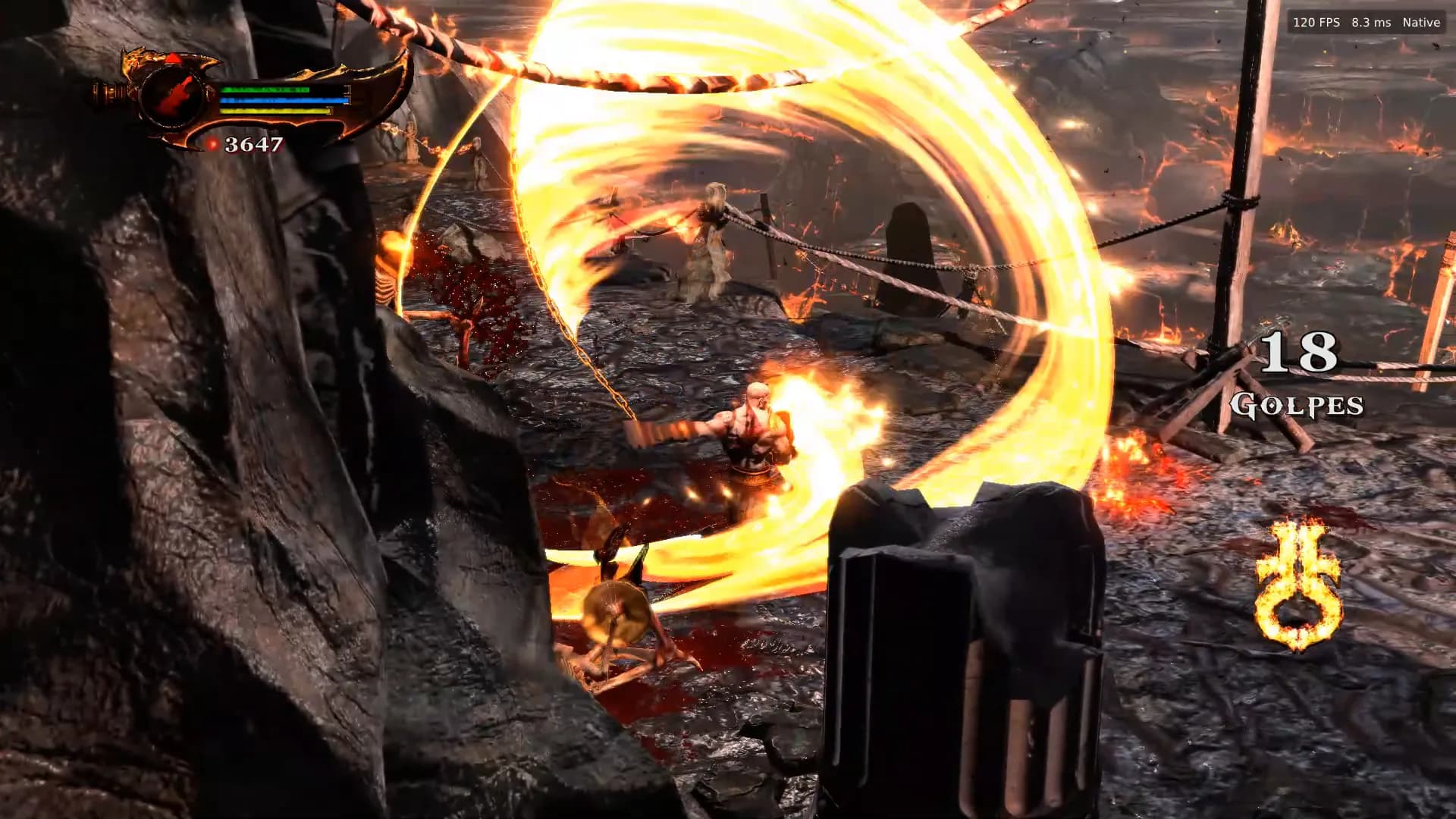
Capture of the port running

What's new
2.3.0Yellow and white textures fixed2.3.0Steam Deck block corruption gone2.3.0Anisotropic filtering up to 16x2.3.0Adjustable vibration and F12 screenshots2.2.0Xbox and Nintendo QTE icons2.2.0Black screen at the opening fixed

Download

01 / 05
Always the latest release, straight from GitHub
Pick your platform. The launcher also updates itself under Advanced → Check for updates, keeping your saves and settings.

Requires a dump of your legitimate copy, made on your own console (CUSA01623 or CUSA01715, version 01.00 or 01.02). Also requires a Vulkan 1.3 GPU and an AVX CPU.

Recommended

Windows

File
spartanport-windows.zip · 75.3 MiB
System
Windows 10 (1903+) or 11, 64-bit
GPU
Vulkan 1.3 with an up-to-date driver
CPU
x86-64 with AVX: Intel Sandy Bridge or AMD FX and newer
SHA-256e84f973d8fcd4a4947042645903461461470d70708fd0bb03635898651cdc645
Experimental

Linux

File
spartanport-x86_64.AppImage · 129.2 MiB
System
x86-64 with glibc 2.39 or newer
Tested on
Ubuntu 24.04, Debian 13, Fedora 42, Arch, openSUSE, Bazzite
Heads up
Anisotropic filtering, vibration and F12 have not been tested on Linux yet
SHA-2560b3a09e301065dc2fe87b2b47166dd6747d51a35295b2baebc2e4e082350cec1
Release pace

5 releases in 115 hours

Oct 15stable3 test buildsOct 19

Performance

02 / 05
120 FPS by default. 240 if you want it.
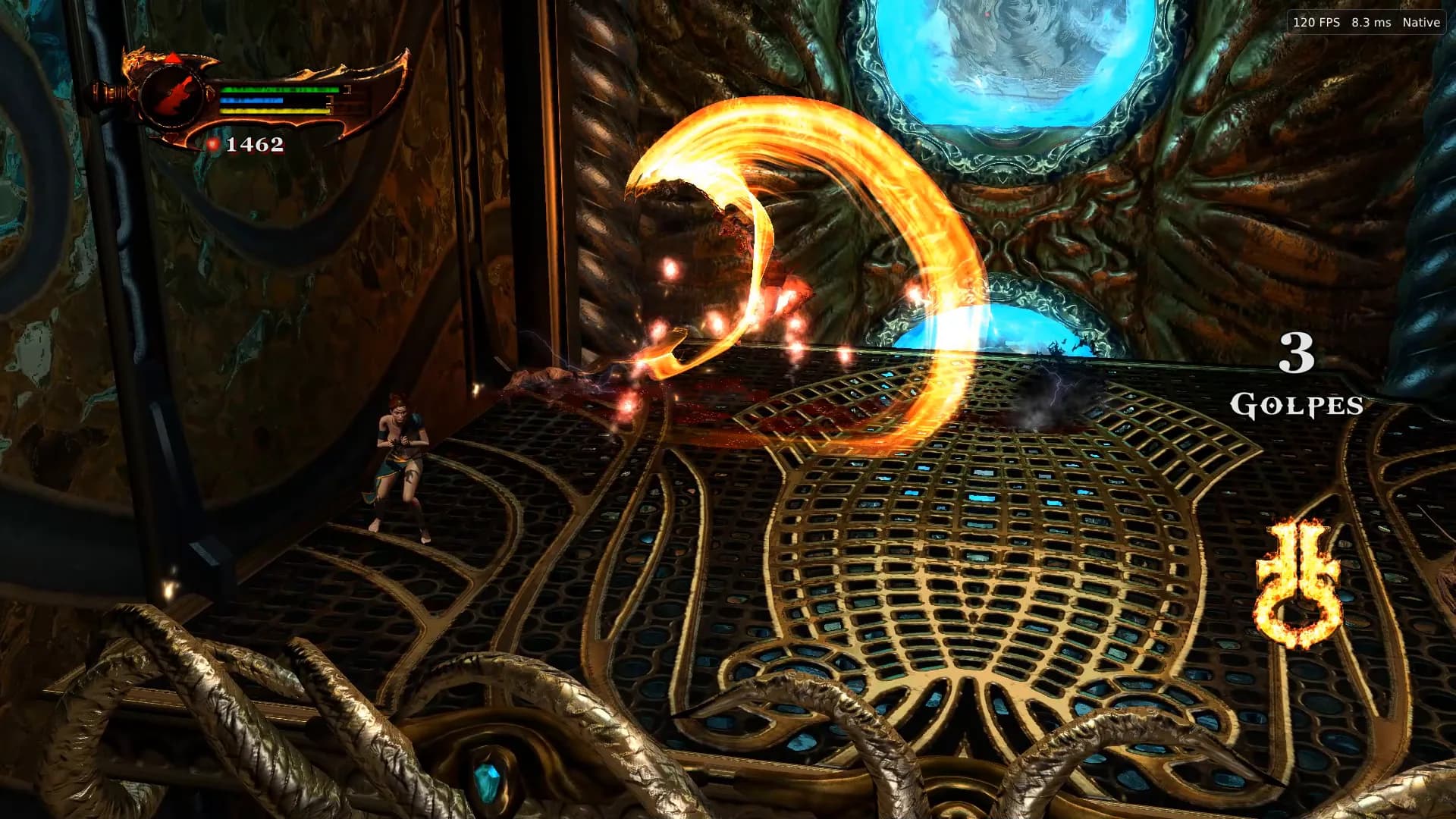
The game runs straight on the CPU, from your dump, with no emulation. The numbers below come from the port's own overlay, at native resolution.

Recorded onGeForce RTX 3060 · native 1080p · 120 FPS engine · NVIDIA App

120.

FPS engine rate, on by default

240.

FPS with the optional patch

4.2ms

frame time at 240 FPS

4K.

maximum render resolution, from 480p up

Capture of the port runningYouTube
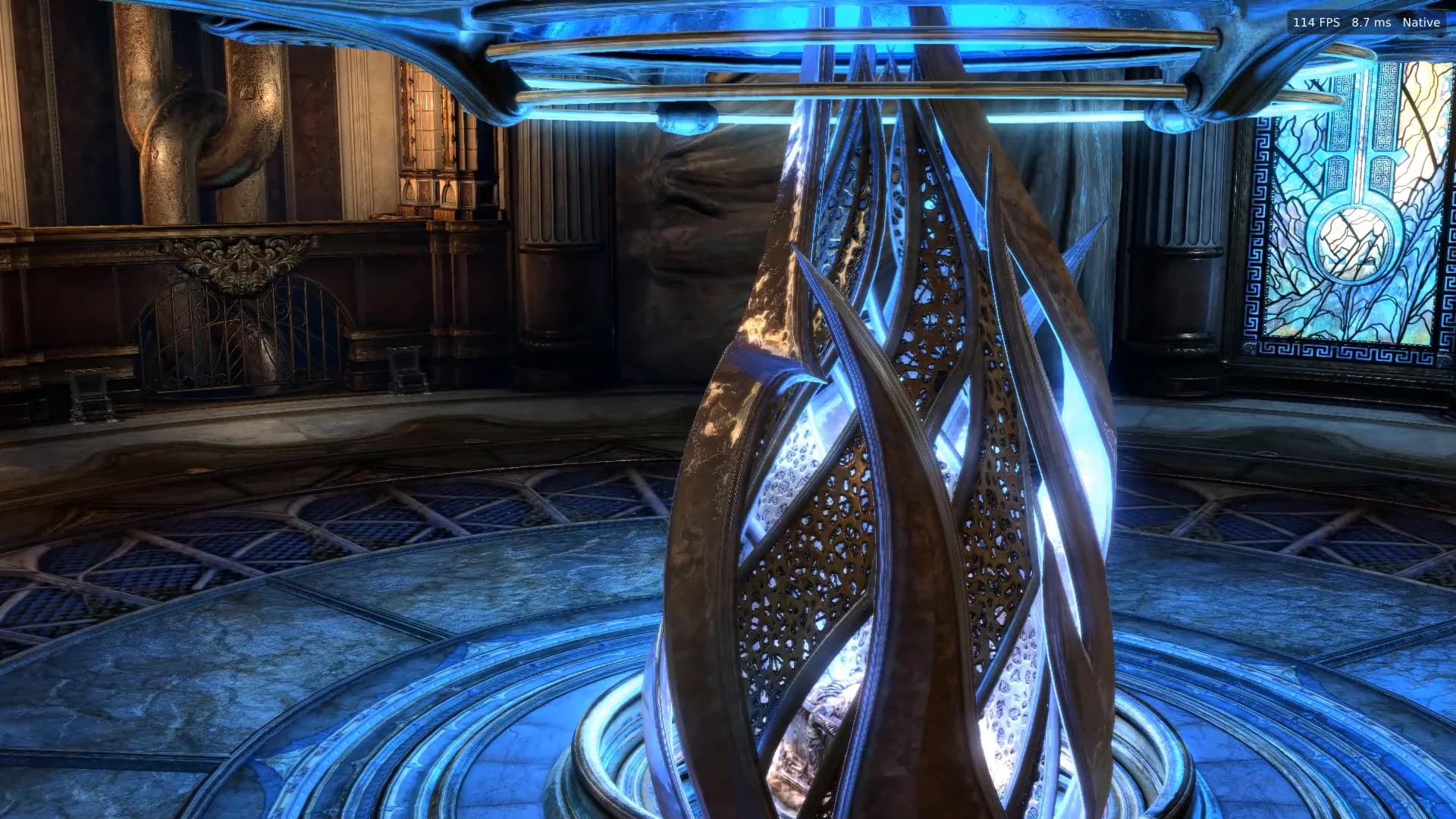
A round hall with a blue-lit metal sculpture and a stained-glass window behind it114 FPS · 8,7 ms · Native
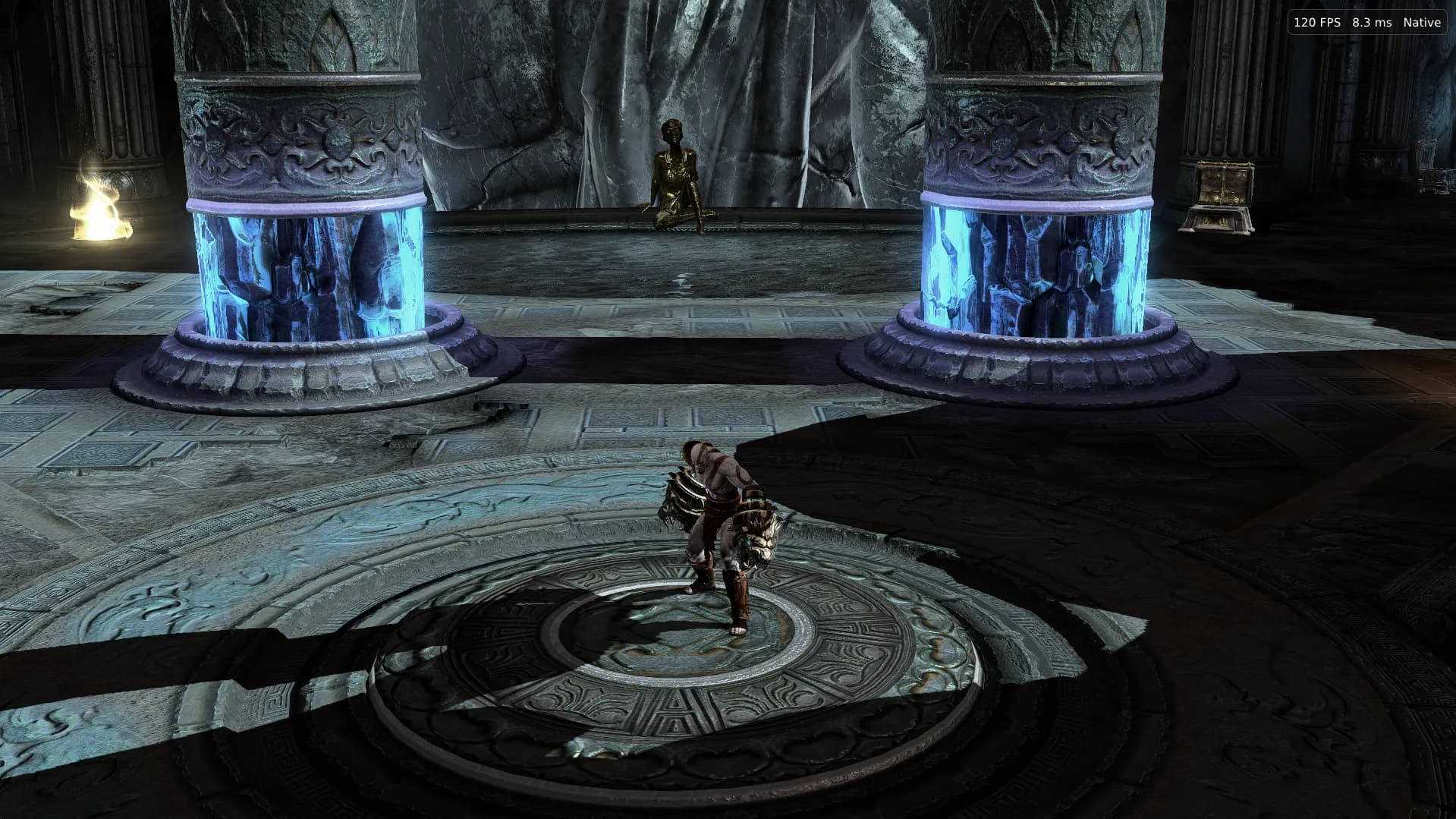
Capture of the port runningGameplay
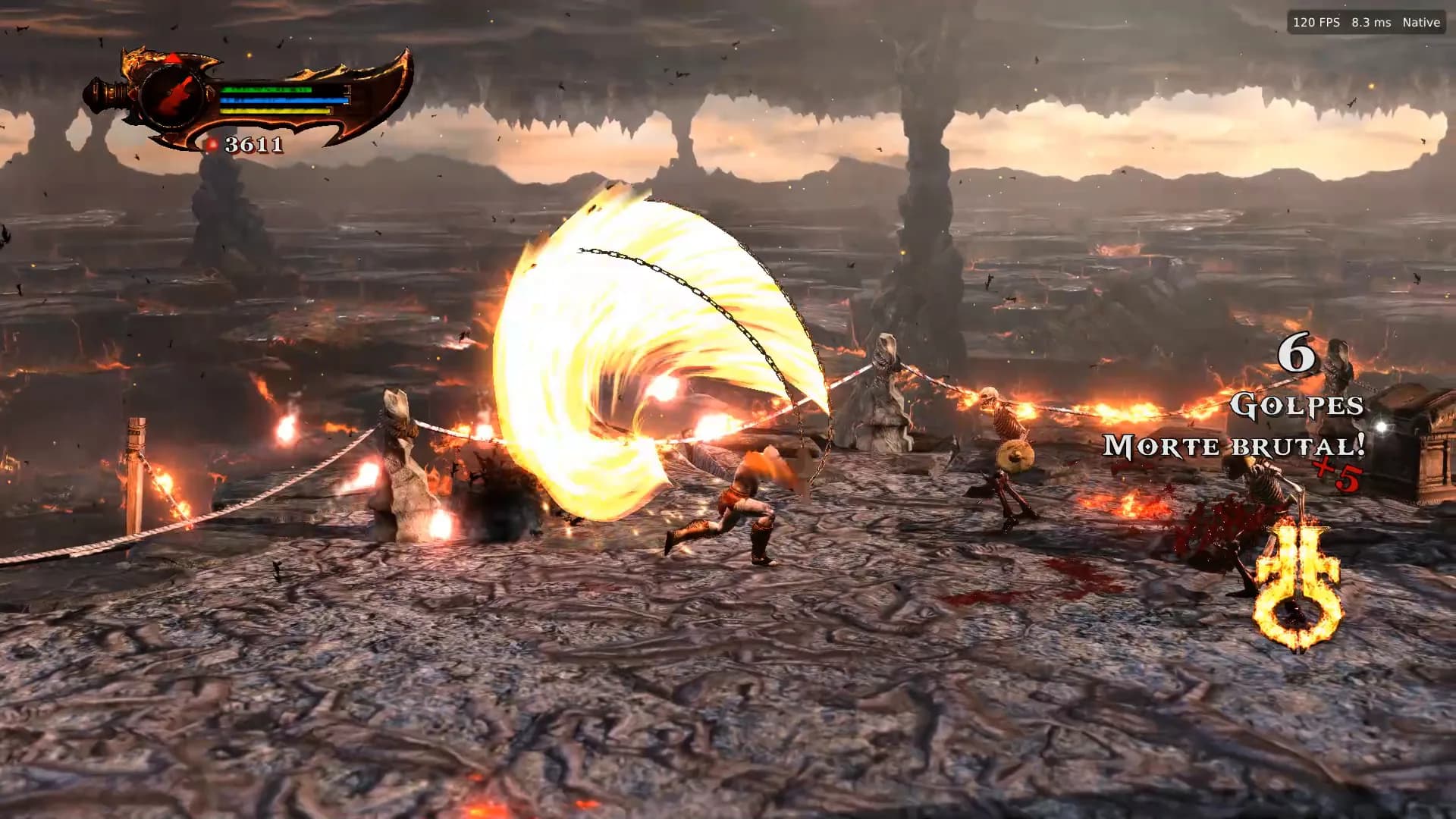
Kratos with the Nemean Cestus between ice pillars120 FPS · 8,3 ms
Capture of the port runningGameplay
Reference · 1080p · 240 FPS engine
minimum55
average144
maximum240

RX 6700 XT, Ryzen 5 5600X and 32 GB. A reference result, not a guarantee for other machines. On NVIDIA laptops, putting Stream buffer memory in System RAM can give more FPS.

Features

03 / 05
What the port does today
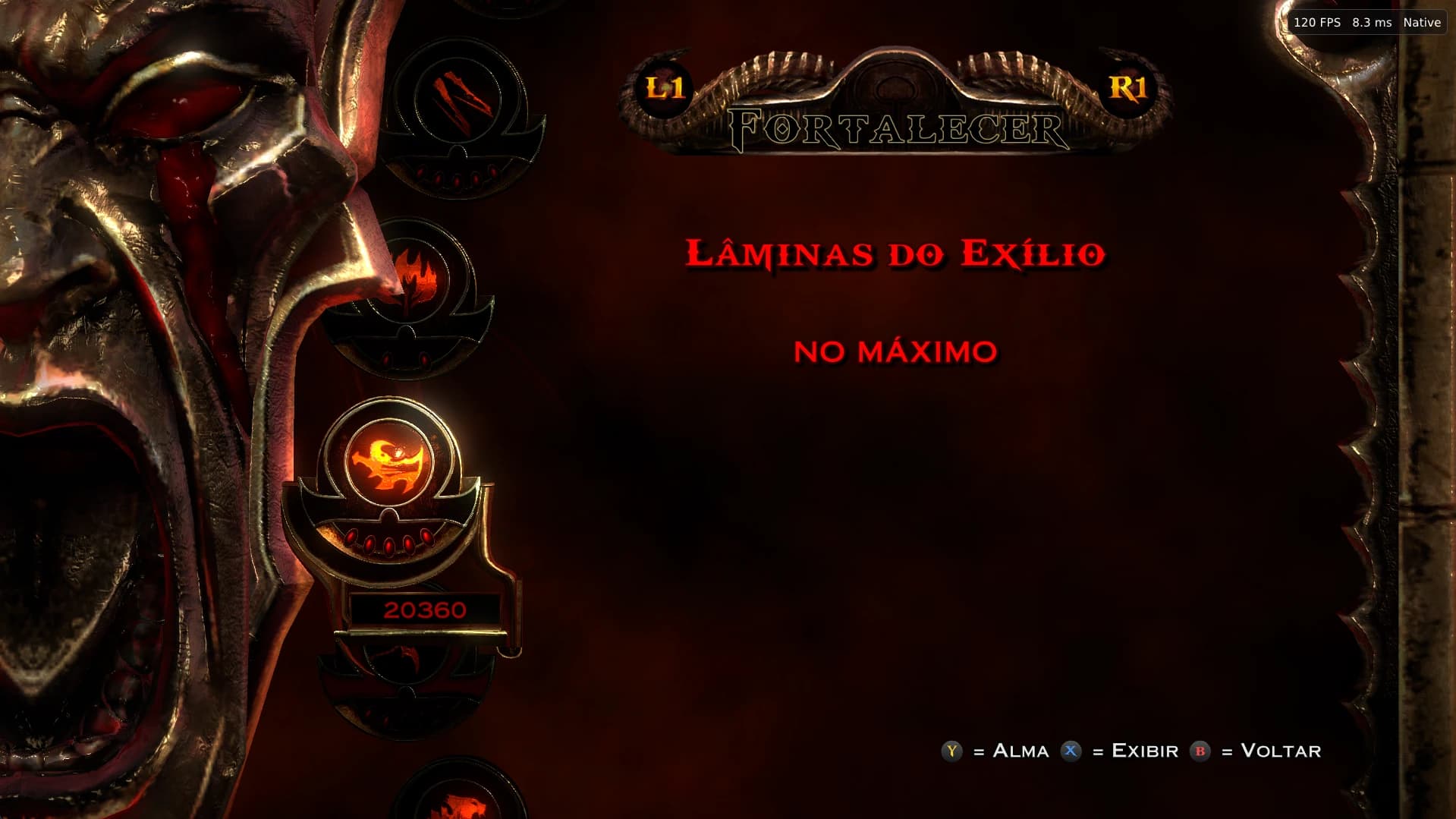
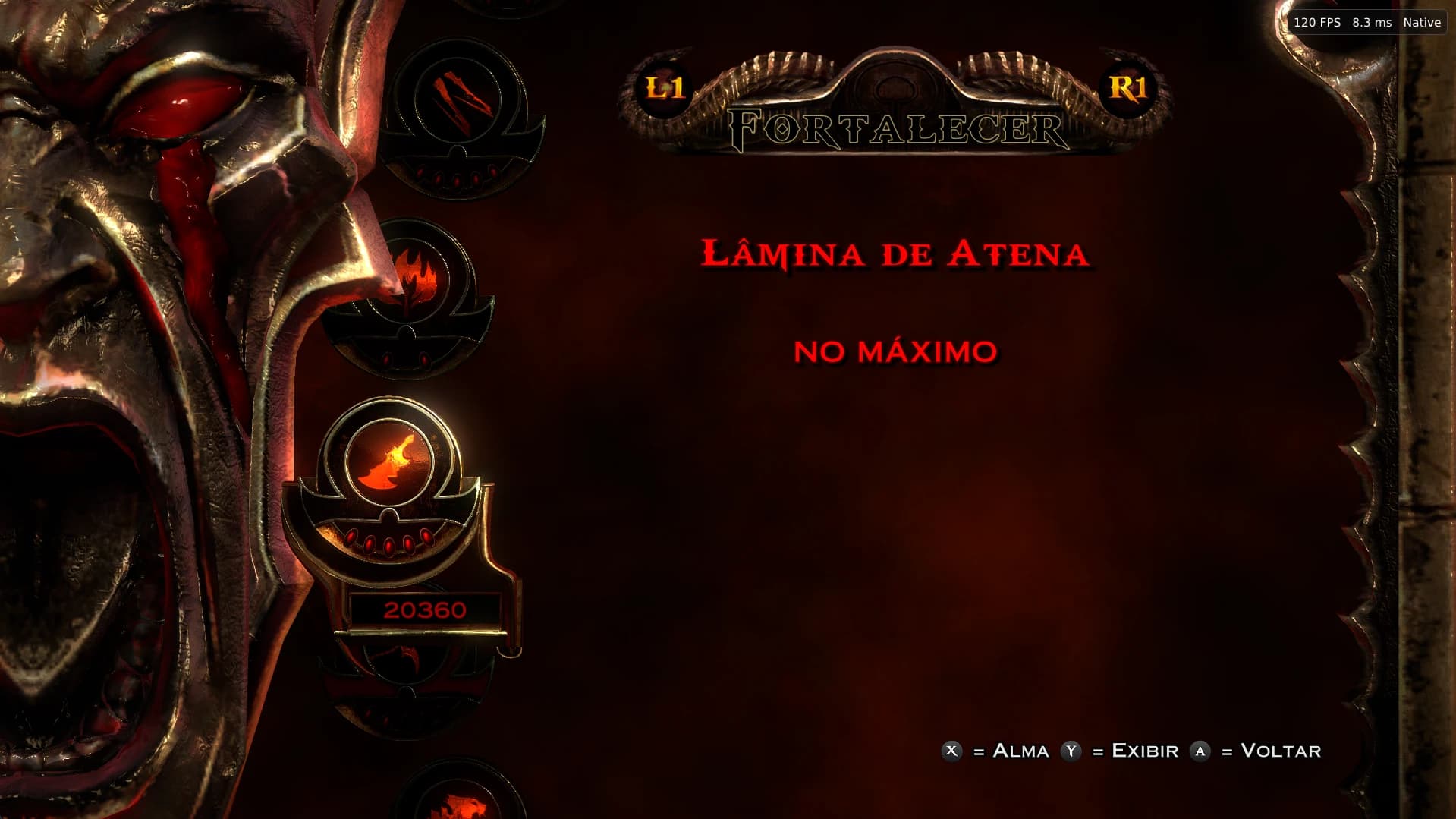
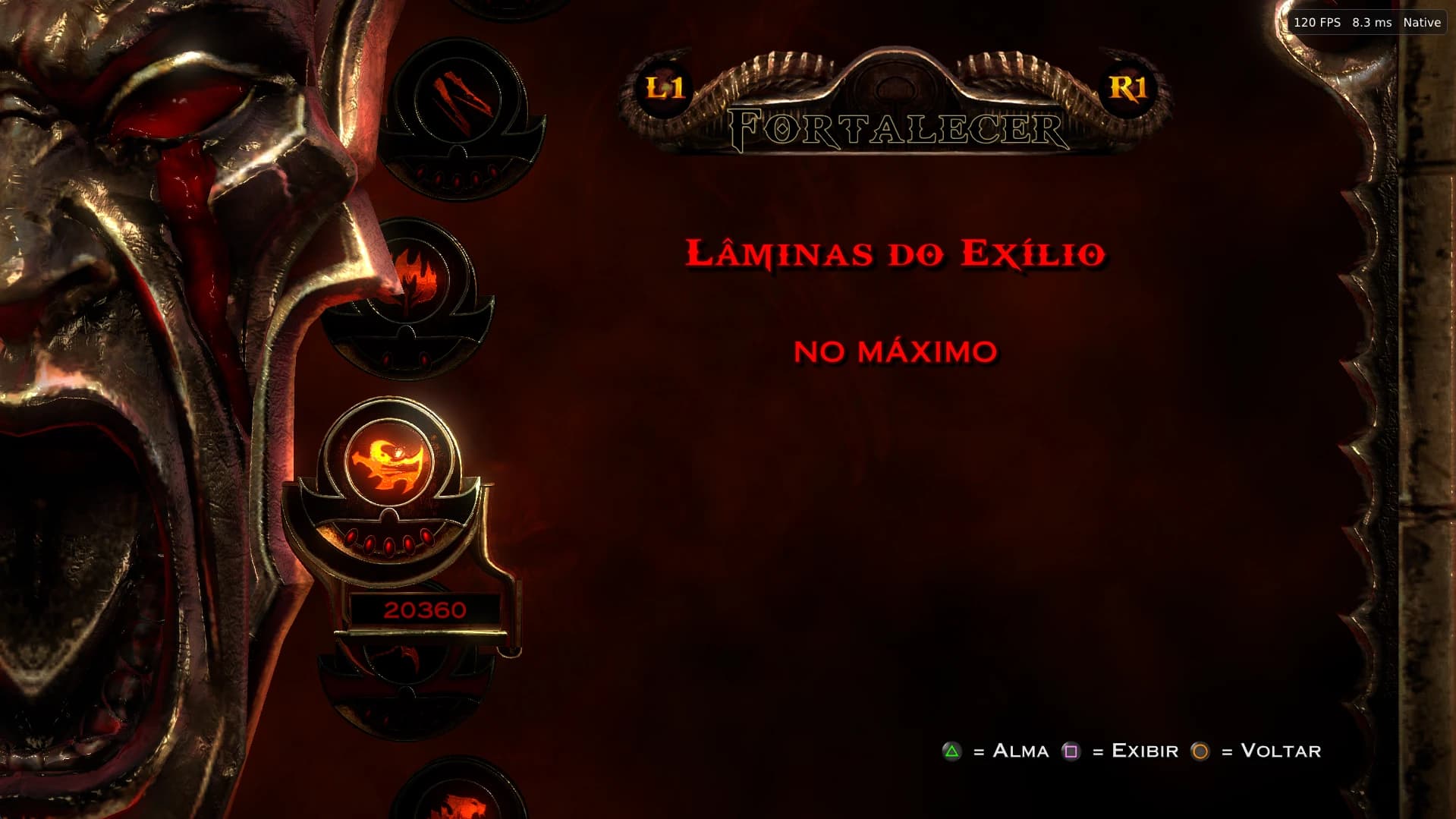
Upgrade menu for the Blades of Athena with the X, Y and A prompts in Nintendo style
120 FPS · 8,3 ms · Native
Capture of the port runningUpgrade menu · Nintendo style
Controller

Your controller's buttons in the game

QTEs, tutorials and the move list show Xbox or Nintendo icons, in every language. DualSense, Xbox controllers and keyboard work together, with remapping.

Launcher → Game → Controls → In-game button icons. The icons are drawn on copies of two game files, about 70 MB, outside the game folder.

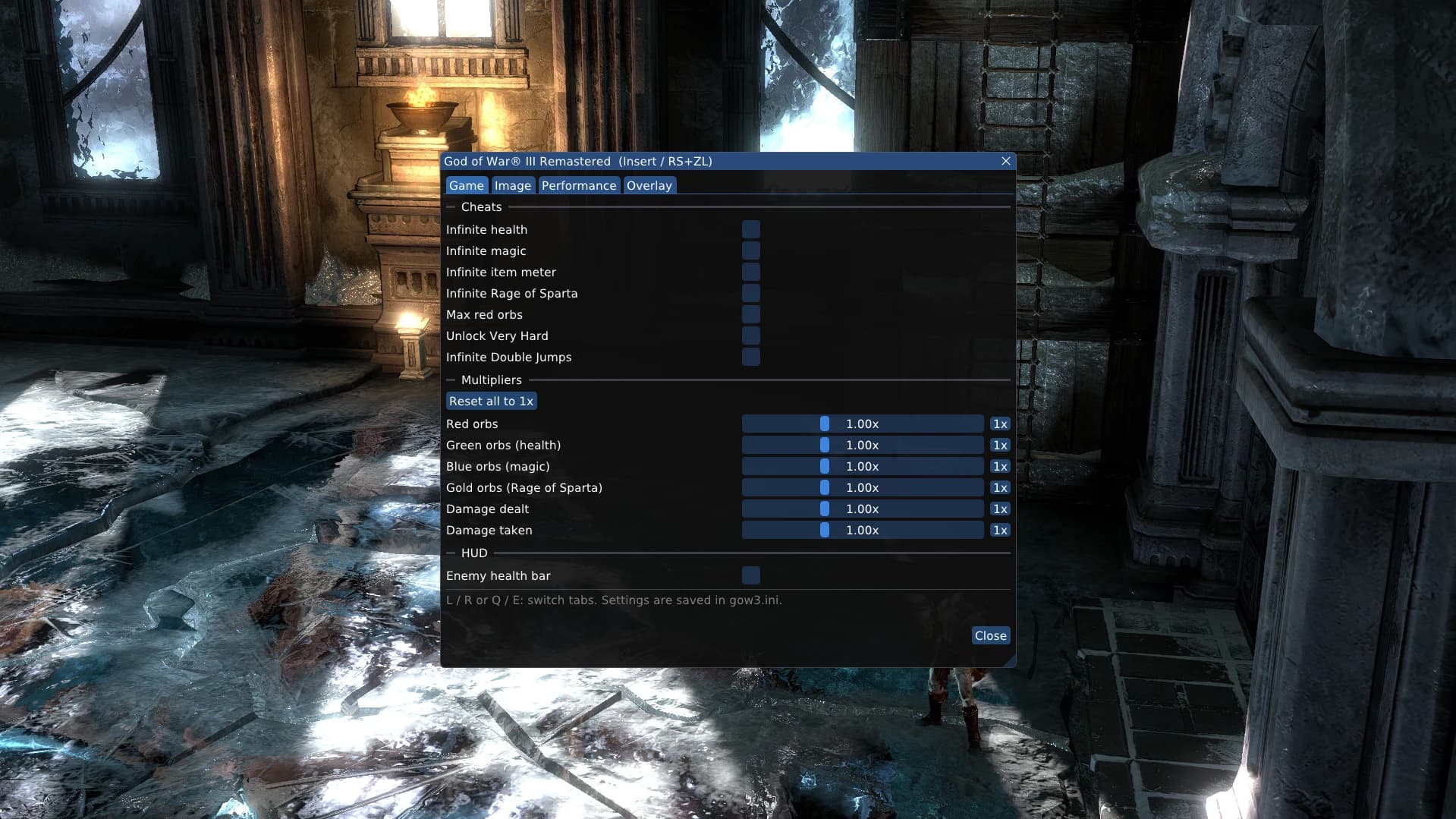
The port menu open during play, Game tab, with cheats and multipliers
Capture of the port runningPort menu
Port menu

Cheats and settings without leaving the game

Open it with Insert or R3 + L2. Everything is saved in gow3.ini.

  • Infinite health, magic, item meter and Rage of Spartacheats
  • Very Hard unlocked and infinite double jumpscheats
  • Orbs and damage dealt or taken0.1x to 100x
  • Enemy health barHUD
  • FPS, frame time, CPU, RAM and VRAMoverlay

Launcher

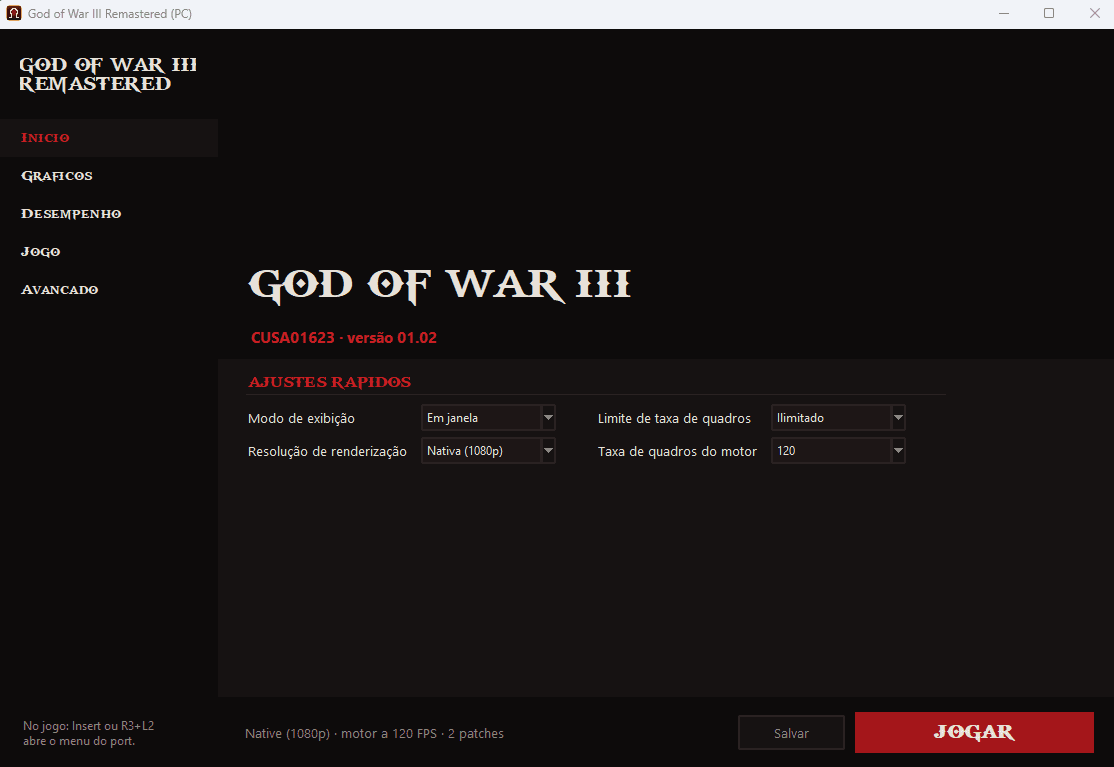
Five pages: Home, Graphics, Performance, Game and Advanced.

Saves

A save list like on PS4, autosave, a backup before every session and shadPS4 import.

Image

Anisotropic filtering up to 16x, RCAS sharpening and PNG screenshots with F12.

Steam

Add it as a non-Steam game, with capsules and logo built from your dump.

The launcher's Home page, with quick settings for display mode, resolution, frame rate limit and engine frame rate, and the Play button
Capture of the port runningLauncher · Home page

Compatible?

04 / 05
Check your GPU before downloading
Taken from the 2.3.0 release notes. If your GPU has a known issue, follow that issue instead of opening a new one.

3 without issues · 1 with known issues

  • GeForce RTX 3060TestedThe recordings on this page: native 1080p, 120 FPS engine
  • GeForce RTX 5070Tested2.3.0 texture fix tested, same FPS as before
  • Laptop with AMD iGPU + NVIDIAFixed in 2.3.0Black screen: AMD's Vulkan layer hid the NVIDIA GPU, and the launcher now turns that layer off#263
  • GeForce GTX 750 TiKnown issueErrorOutOfDeviceMemory during play#259

Credits

05 / 05
Made by the community, open source under GPL-2.0
Download now